Square: the stamp arrives on its own at checkout.
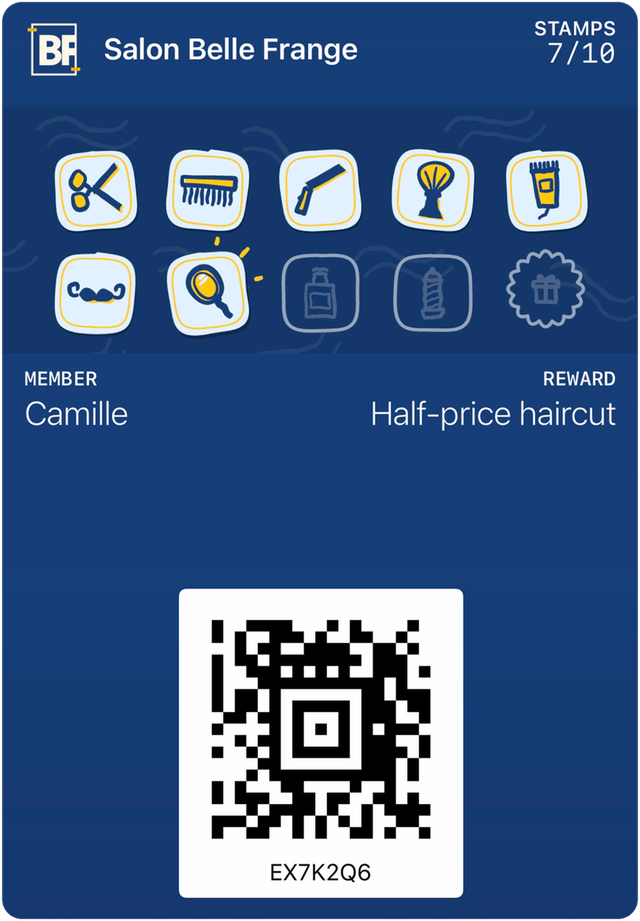
Your customer pays with Square, and their Wallet card gets its stamp. On a refund, it’s removed. Nothing changes at your register.

From payment to stamp
The customer pays with Square
Bank card, Apple Pay or Google Pay, as usual.
We recognize them
By scanning their card just before paying, by the phone number saved in Square, or by their bank card if they agreed to link it.
The payment goes through
Only a completed payment counts. Tips and gift card sales don’t earn anything.
The stamp lands
On their Apple Wallet, Google Wallet or web card, shortly after payment. The log notes “Source: Square”.
A refund removes the stamp
The removal is written in the log: nothing is erased. A reward already given is never taken back. The balance stops at zero, and your manager sees a note.
What Square lets us see
We read, we don’t touch
Payments, orders, customers, locations and catalogue. We can’t take a payment, issue a refund or change a sale.
No card number
Square only gives us a code that stands in for the card, and only if the customer agreed. They can withdraw consent whenever they want.
No history imported
Only sales made after you authorize are read.
The same rules as at the counter
The daily stamp limit applies too. One payment too many is logged “No stamp: daily limit reached”.
No Square Loyalty subscription needed
Square’s loyalty tool requires a Square Loyalty subscription. We don’t use it. Square only tells us a payment happened; everything else lives in your card.
Two minutes on your side
What you do
During setup by video call, you click “Allow” with your Square account. No account to create, no password to give us.
What we do
We link your Square locations to your addresses and leave out the items you want to exclude. Then we run a test payment and choose with you when the stamp lands: at payment or at the scan.
Questions about Square
What if the customer doesn’t want to link their bank card?
What if nobody scanned the card?
I have several locations in Square. Is that a problem?
Can I turn the connection off?
Sources
- Square, Loyalty API documentation(opens in a new tab)accessed September 30, 2026.
Watch a Square payment turn into a stamp.
A 15-minute demo by video call, on your own phone.