From your logo to the first stamp, in one week.
Send your logo and reward. We build the card, mail the counter kit and train your team by video.
Signed on a Monday, up and running before the next Monday.

Your setup week
Before you sign
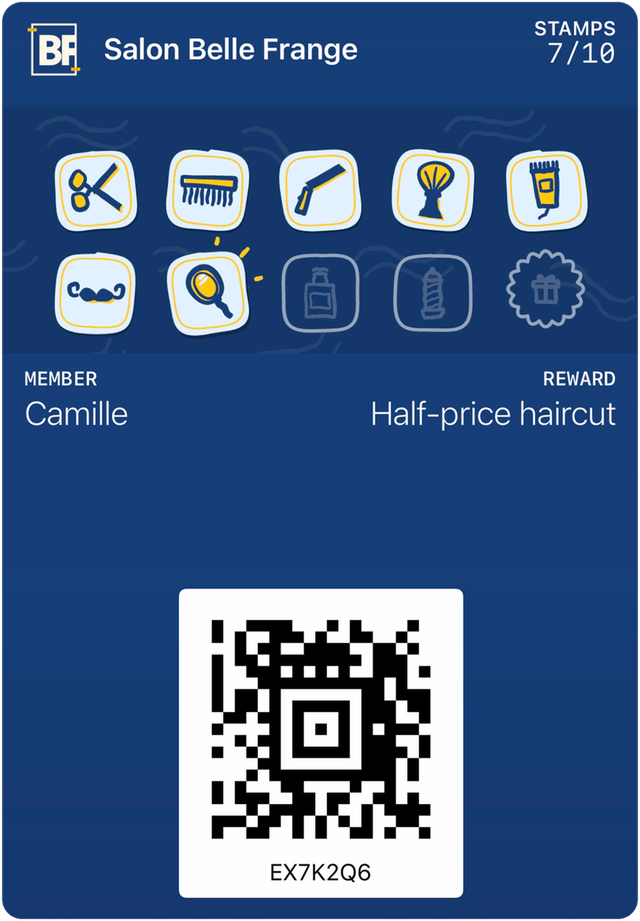
You see the card on your own phone
A 15-minute demo by video call. We show you a sample card for your type of business, you add it to your phone and ask your questions. No obligation.
The day you sign
You send us your logo and your rules
Your logo and colours, the reward and the number of stamps, your hours and your address. You sign the documents online, from a link. No account to create with Apple or Google.
The following days
We prepare everything, you approve
We prepare your Apple and Google card, your program, your first messages and each employee’s PIN. You check the card on your phone. The counter stand with QR code and the window sticker go out by mail.
Launch day
We train your team in 15 minutes
By video call, with your counter device. Your team learns what to say, then how to give a stamp, hand out a reward and undo a mistake. We try a card together, from sign-up to reward.
Weeks 1, 2 and 4
We check that everything runs smoothly
A call at each step: how things go at the counter, how many customers sign up. At the end of the month, a summary in simple numbers.
For your customers: scan, add, come back
Your customers add their card in 10 seconds, with nothing to install.
They scan the code at the counter
With their phone’s camera. They enter their first name, then their phone number or email.
- Example
- Example

They come back, your employee scans their card
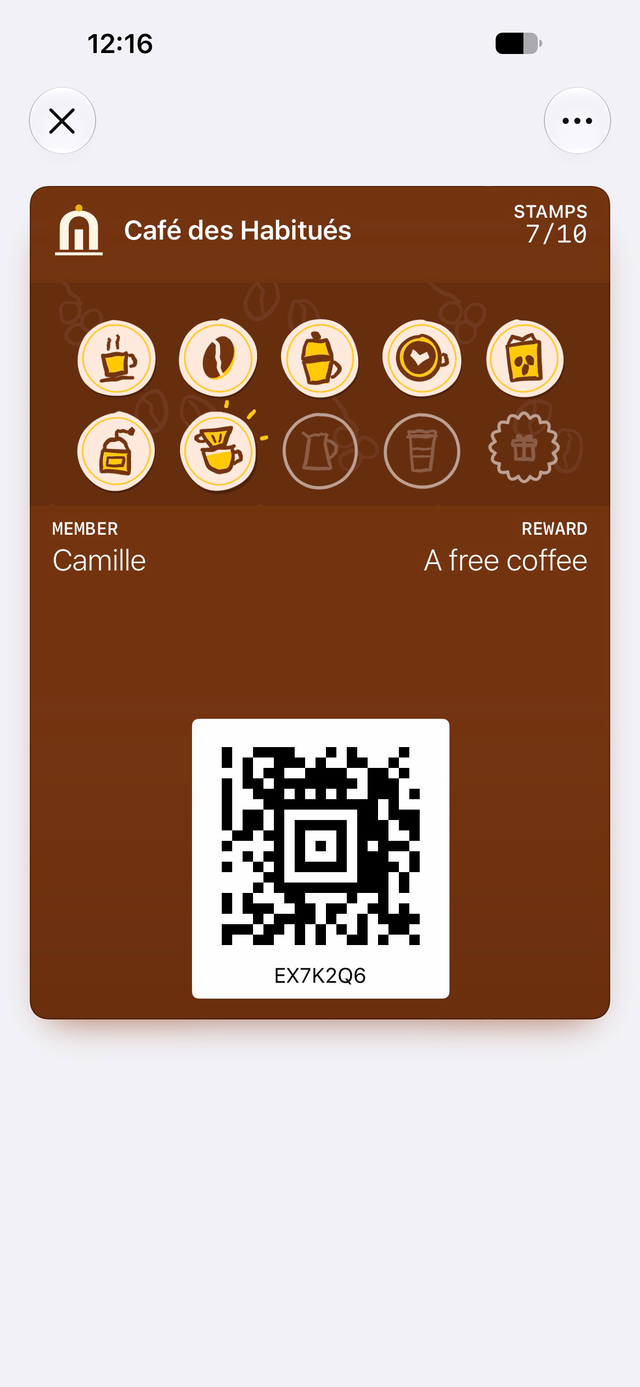
The stamp is added and the card updates on their phone. When the reward is ready, the card says so.

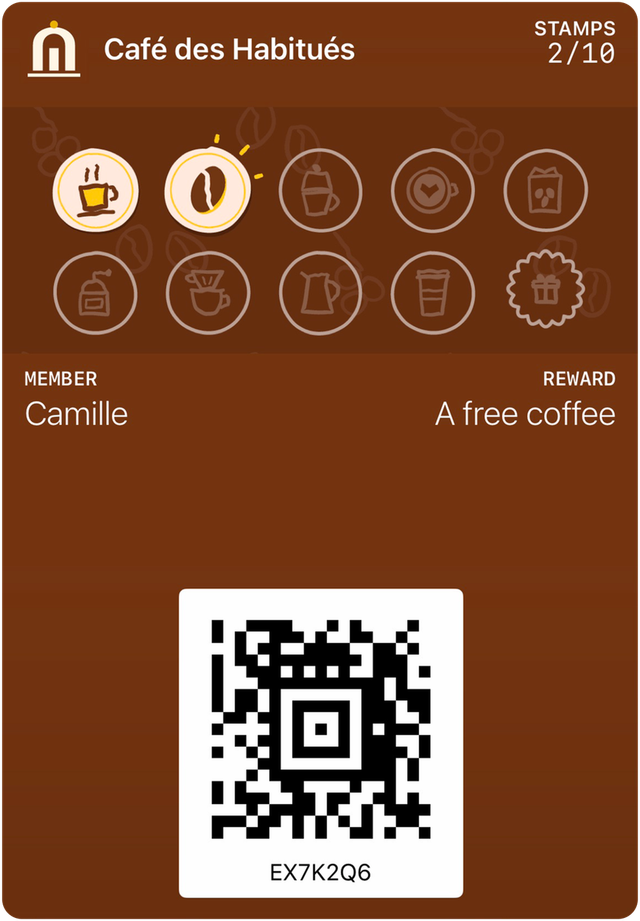
With 2 free stamps, the card is already started. In a car wash study, 34% of those cards were completed. It was 19% for an empty card needing the same number of purchases.1
At the counter, every day
The camera is enough
A tablet or phone camera is all you need to scan. A USB or Bluetooth scanner is optional.
One PIN per employee
Each stamp carries the PIN of the employee who gave it, and everything is written to a log that can’t be erased.
A mistake can be undone
Employees can undo a stamp given by mistake in the minutes that follow. After that, the manager decides.
Phone battery dead? The member number
Each card has a short number, shown under the code. Employees can also look up the customer by first name and phone number.
Network down? The station keeps going
The station keeps the stamps on the device and sends them as soon as the network is back.
The reward is obvious
When a reward is ready, the screen shows it clearly. The employee hands it over, then confirms it.
See the card for real, on your own phone.
A 15-minute demo by video call. You leave with your numbers, not with an obligation.