A Google Wallet card as polished as on iPhone.
Your Android customers get the same stamps, the same reward and the same member number, in the app already on their phone.
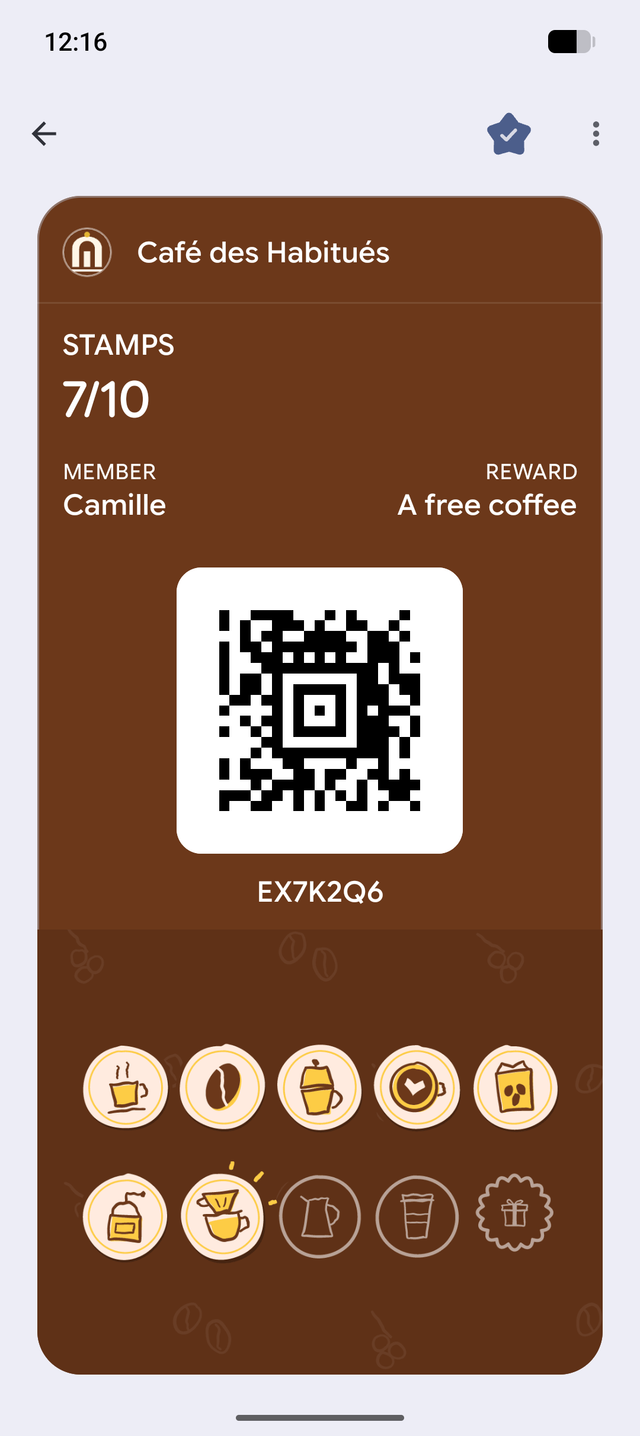
Some of your customers don’t carry an iPhone
A card that only works on iPhone leaves out some of your regulars. On Android, it lives in Google Wallet, in your colours, with the stamps and the code to scan. We prepare it at the same time as the Apple card.
How it works
The right button, for each phone
After sign-up, an Android phone sees “Add to Google Wallet”. No choice to make, no way to get it wrong.
A code that changes by itself
With Google, the code keeps rotating: a shared screenshot doesn’t give a stamp.
The same messages as on iPhone
Stamp received, reward ready, promo of the week: the Google card gets the same news, within the limits Google sets.
One program. Two Wallets. No customer left out.
What’s included
It’s all in the subscription, for every business, with no upgrade to buy.
- Google Wallet card, as complete as the Apple one.
- Your logo, your colours, your name first. Our name only shows on the back.
- The stamp appears a few seconds after the scan.
- A short note on the lock screen when a stamp or a reward arrives.
- The card speaks the phone’s language: French first, English if the phone is set to English.
- On the back: your hours, address, phone number and program rules.
- A changing code, so a screenshot is useless.
- A lost card can be recovered with all its stamps.
- The right button for each device: Apple on iPhone, Google on Android.
Your questions
Is a Google account needed to add the card?
What if the phone doesn’t have Google Wallet?
Do I pay more for Android?
Read next
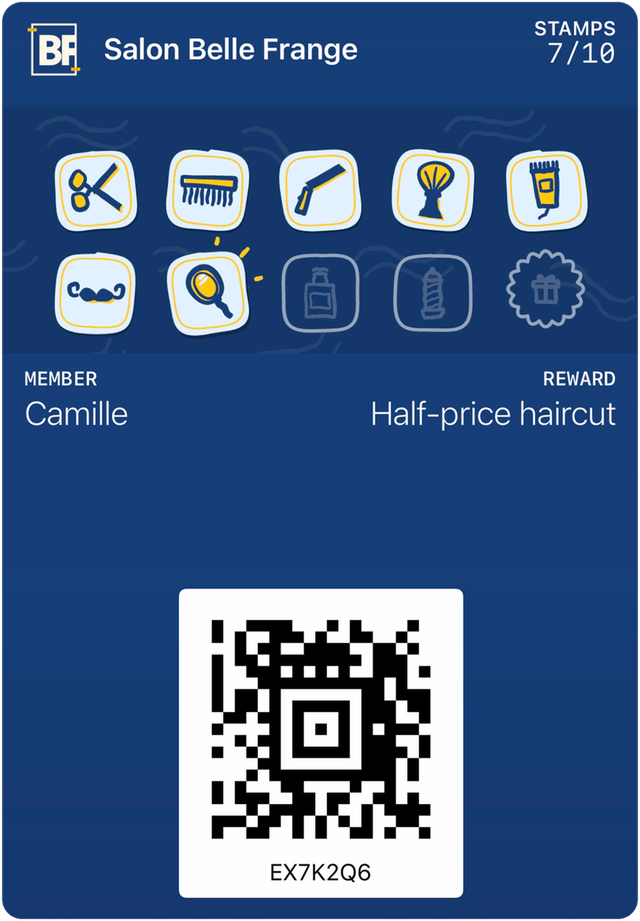
See your card before you decide.
A 15-minute video call demo, with the card on your own phone. One price, everything included.
$149 setup, one time only. No contract.