Google Wallet
Updated September 30, 2026
In one sentence
Google Wallet is the digital wallet on Android phones: it brings together payment cards, tickets, boarding passes and loyalty cards.

What it lets a business do
As on the iPhone, the customer adds the business’s loyalty card with an “Add to Google Wallet” button, without downloading an app. The card stays in the wallet, shows the number of stamps or points, and updates when the business records a visit.
What to know
At Google, a loyalty card is not a file sent to the phone: the issuer creates it in Google’s systems, and it is then linked to the customer’s Google account. The service holds that issuer account; the business has nothing to set up. A customer without Google Wallet can keep a web card, which shows the same information in the browser.
A car wash customer adds the card on his Android phone as he leaves the wash. On his next visit, the attendant scans the code shown in Google Wallet and the wash counts.
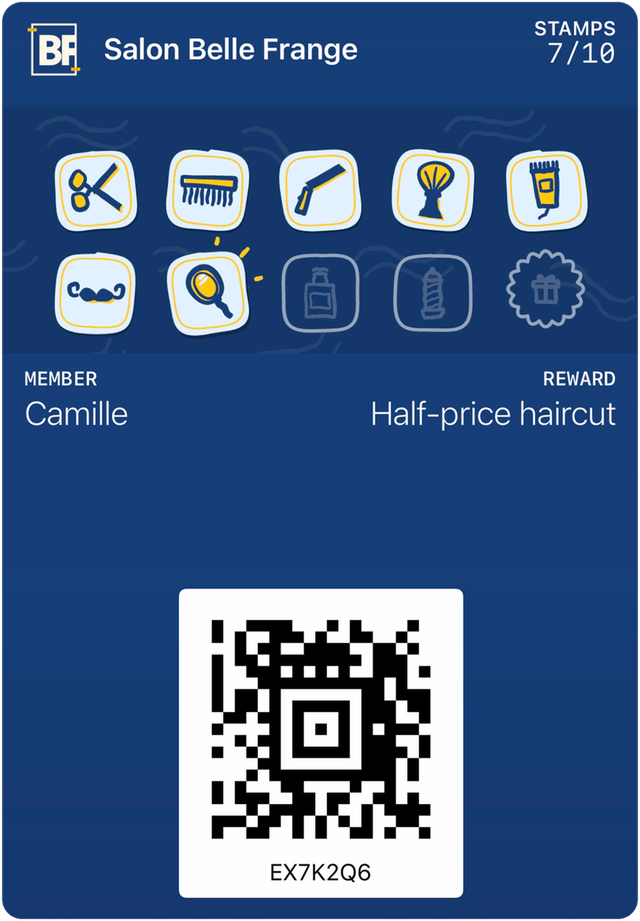
See your business’s card
Send us your logo: we prepare a preview of your card and show it to you on video.